Rural options
Best rural internet for gaming: ping, NAT and data by connection type
Every way a rural US home can get online, ranked for what online games need: low, steady ping, a workable NAT type and enough data for patches. Wired first, if you can get it.
Take fiber or cable if either reaches your address. Without them, Starlink is the strongest pick for online games in most rural places, with fixed wireless or 5G home a close call where the signal is strong.
Geostationary satellite (HughesNet, Viasat) is the one to avoid for online play: its ping is measured in hundreds of milliseconds. DSL plays fine on a short line but makes every patch a long wait. Published, dated ping figures exist only for Starlink and the geostationary services; for the rest, the table gives our reading, and you should ask the provider and your neighbors.
Rural ping board · US mediansDated figures
- Starlink, Starlink’s figure
- 25.7 ms Peak hours, router to internet, data as of June 2025 (posted Jul 14, 2025).
- Starlink, Ookla’s figure
- 39 ms Ookla, user devices to several servers, Q1 2026 (published May 5, 2026).
- Hughesnet, Ookla
- 674 ms Same Ookla report, Q1 2026.
- Viasat, Ookla
- 750 ms Same Ookla report, Q1 2026.
Fiber, cable, fixed wireless, 5G home and DSL vary too much by provider and line for one fair US number, so we rate them qualitatively below.
Ranked for online games
For gaming, steadiness beats speed. A match uses little bandwidth, but one lost second costs a round. Ranked on that basis (our reading, not a published standard):
- Fiber. The lowest, steadiest ping you can get, and usually the fewest NAT problems.
- Cable. Close behind fiber for play; a little more variable at busy times.
- Starlink, or fixed wireless / 5G home with a strong signal. A close call that depends on your address: your sky for Starlink, your signal and tower load for the others.
- DSL. Often steady enough to play, but slow for downloads, patches and anyone else using the line.
- Geostationary satellite. Last by a long way for online play, because of distance, not settings.
The comparison table
Numbers appear only where a dated source exists. Every cell without a source (the ping and IPv4 notes for fiber, cable, fixed wireless, 5G and DSL) is our reading: a general pattern, not a measurement. Individual providers and lines differ, so ask yours.
| Connection | Ping for games | IPv4 and NAT | Data | For gaming |
|---|---|---|---|---|
| Fiber | Lowest and steadiest | Often your own IPv4 address; some providers share (ask) | Check the plan | Take it |
| Cable | Low and steady | Usually your own IPv4 address (ask) | Some plans have monthly limits | Take it |
| Fixed wireless | Low to moderate; depends on signal and tower load | Often shared (ask) | Varies by provider | Good on a strong signal |
| 5G home internet | Moderate; moves with signal and cell load | Usually shared (ask) | Varies; may slow when the cell is busy | Good on a strong signal |
| DSL | Can be steady on a short line; slow for downloads | Often your own IPv4 address (ask) | Varies by provider | Plays, patches slowly |
| Starlink | 25.7 ms median at peak (Starlink); 39 ms (Ookla) | Shared IPv4 on Residential; own IPv4 only on Priority plans; native IPv6 | Unlimited on Residential plans | Strong without wired |
| Geostationary satellite | 674–750 ms medians (Ookla, Q1 2026) | Not the problem; ping is | Check the plan | Avoid for online play |
Each option, pros and cons
Fiber and cable
If a fiber or cable line reaches your road, it’s the gaming answer. Nothing moves overhead, no tree can block it, and many wired providers give each home its own IPv4 address, which keeps NAT types simple. Some rural electric co-ops and small telcos now run fiber well past town limits. Check your exact address, and ask about a line extension if the cable stops a short way down the road.
Fixed wireless
A dish or antenna on your house points at a provider’s tower, often on a ridge or grain elevator. With a clear, strong signal, ping can be low; the risk is evenings, when many homes share one tower, and trees or terrain between you and it. Many fixed wireless providers share IPv4 addresses between customers (our reading). Neighbors on the same tower are your best source.
5G home internet
A box that connects to a nearby cell tower. Where the signal is strong and the cell isn’t crowded, it can be a decent gaming line; where it’s weak, ping jumps around. These services commonly use shared IPv4 addresses (our reading; ask), so NAT types land in the same place as on Starlink. Home internet traffic may also be slowed when the cell is busy; read the plan’s network-management terms.
DSL
Old phone-line internet. Close to the provider’s equipment, ping can be steady enough for any genre. The problem is speed: a big patch can take most of a day (our reading), and one person streaming can crowd out the game. If your DSL ping is steady at 9 pm, keep that in mind before switching for speed alone.
Starlink
Low-orbit satellites a few hundred miles up; Starlink says the trip to the satellite and back usually adds under 10 ms. Starlink put its own US median at peak hours at 25.7 ms in a June 2025 reading, and it says fewer than 1% of its US latency measurements are above 55 ms. Ookla measured 39 ms from users’ own devices. Residential plans include unlimited data, which matters on patch day.
The trade-offs are real. The dish switches satellites many times per minute, and an obstruction that stays in its view can cause short outages and dropped packets, which games feel as spikes. Residential plans share IPv4 addresses with no inbound IPv4 connections, which affects NAT type and hosting. Starlink treats 6 pm to 11 pm local time as peak hours, and Residential Max outranks the 100 and 200 Mbps Residential tiers, so homes on those two are likelier to slow down on a congested network. Starlink warns that remote places including Alaska see higher latency, and Ookla measured 109 ms in Hawaii.
Geostationary satellite
HughesNet and Viasat use satellites about 22,000 miles up. Ookla measured their US medians at 674 ms and 750 ms in Q1 2026. No setting fixes that distance. Turn-based games and downloads work; real-time online play doesn’t, in any genre that cares about timing. If it’s your only option today, almost anything else on this page is a step up for games.
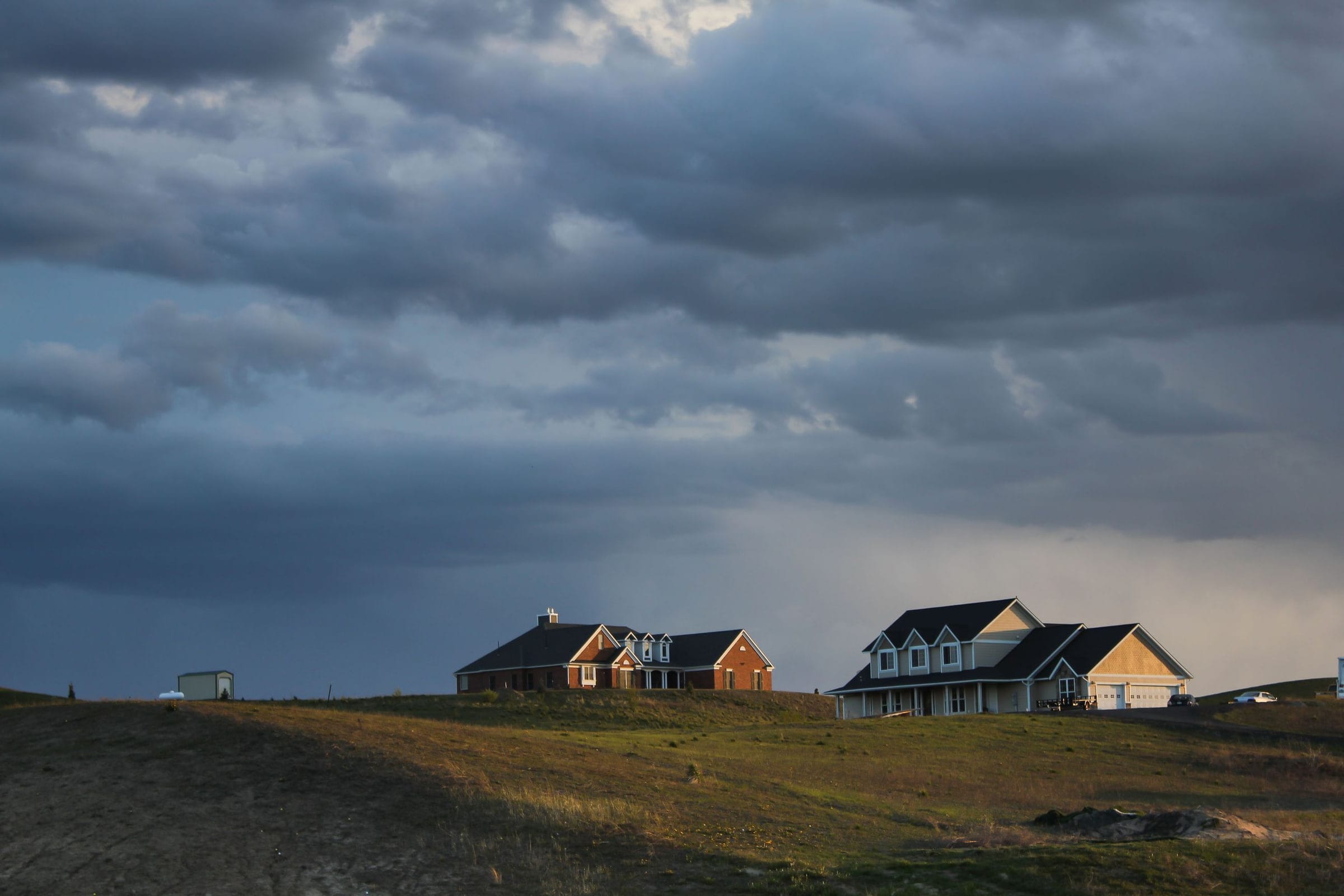
Four rural US cases
Our reading of how the choice tends to fall in a few common situations. Your own address can break the pattern either way.
Texas Hill Country ranch
A fixed wireless tower on the next ridge, open sky all around. Ask the provider and neighbors for evening in-game ping first. If the tower is overloaded or the signal is weak, Starlink’s open sky makes it the stronger pick.
Appalachian hollow
Tall hardwoods and hillsides close in the sky. Obstructions are Starlink’s biggest source of spikes here, so check the spot with the app before anything else. A short DSL line or a fixed wireless shot up the hollow may be steadier.
Mountain West high plains
Wide-open sky, slow DSL from a distant exchange, no cell signal worth having. This is where Starlink tends to be the clear gaming upgrade, mostly on patch-day speed and on reliability when the DSL line is long and noisy (our reading).
Northern New England back road
Cable runs to the village but stops a mile short, and the lot is wooded. Ask the cable company about extending the line before anything else. If that’s out, Starlink needs a cleared patch of sky, often a pole mount above the trees.
How to choose at your address
- Check for wired service at the exact address, not the ZIP code. Providers’ address checkers and the FCC’s National Broadband Map are the places to start.
- Ask every provider two gaming questions: do I get my own public IPv4 address, and do speeds drop at busy hours or after a data threshold?
- Ask neighbors on the same service for their in-game ping around 9 pm, on the server region you play on (US East, Central or West).
- For Starlink, look at the dish spot first. The Starlink app can preview a mounting spot before you order. A partly blocked view often still works for TV, but games show the gaps first.
- Run the ping, NAT & streaming check for a verdict that can say “keep what you have”.
The numbers behind Starlink’s row are on the ping page, and what shared IPv4 means for your console is on the NAT type page.
Starlink’s limits for rural gamers
- Shared IPv4. Residential plans use carrier-grade NAT with no inbound IPv4 connections. Starlink’s routers do no port forwarding, and an own public IPv4 address comes only with Local or Global Priority plans.
- Spikes. Satellite switches and obstructions cause brief jumps and dropouts; Starlink publishes no jitter or packet-loss figure.
- Evenings. Starlink treats 6 pm to 11 pm local time as peak hours; the 100 and 200 Mbps tiers feel a crowded network before Max does.
- Weather. hard rain, a snowstorm or hail can make the link stutter for a moment.
- Trees and terrain. Wooded lots and hollows may need a taller mount, or may not suit Starlink at all.
Sit this one out if…
- fiber or cable reaches your address, or the provider will extend a line to you: for online games a wired line is the better pick
- your fixed wireless or 5G home service already gives you steady evening ping: measure it before switching
- trees or hills crowd the sky, as in many Appalachian hollows: preview the dish spot in the Starlink app before deciding
- you host game servers or need Open NAT: Starlink home plans share IPv4 addresses (see NAT type)
What gamers and cord-cutters ask
What’s the best rural internet for gaming?
Fiber or cable, if either reaches your address: they usually give the lowest, steadiest ping and fewer NAT problems. Without them, Starlink is the strongest option in most rural places, with fixed wireless or 5G home internet a close call where the signal is strong. Geostationary satellite is the one to avoid for online play.
Is Starlink better than HughesNet for gaming?
For online play, yes, by a wide margin: Ookla measured median latency of 674 ms on Hughesnet against 39 ms on Starlink in Q1 2026.
Is Starlink good for gaming in rural areas?
Yes for most games, if the dish sees open sky. Ookla measured a US Starlink median of 39 ms in Q1 2026. The trade-offs are brief spikes, slower evenings on the lower-priority plans and shared IPv4 addresses that affect NAT type and hosting.
Is 5G home internet good for gaming?
It can be, where the cell signal is strong and the tower isn’t busy. Ping and steadiness change with signal and load, and these services commonly share IPv4 addresses too (our reading; ask the provider). Ask neighbors on the same service for their evening in-game ping.
Is DSL good enough for online gaming?
For playing, often yes: a short DSL line can have steady ping. The pain is speed, so downloads and patches take a long time. If your DSL ping is steady in the evening, it may beat a wireless option on steadiness (our reading).
Does fixed wireless work for gaming?
Yes, with a strong, clear signal to the tower. Ping is often low; steadiness depends on the signal and how busy the tower is in the evening. Ask whether you get your own IPv4 address if you host games (our reading).
Receipts for the numbers above
- Starlink’s July 2025 network post (looked up Nov 3, 2026)
- Ookla report on US Starlink (May 2026) (looked up Nov 3, 2026)
- Starlink US Specifications (legal doc) (looked up Nov 3, 2026)
- Starlink latency report (PDF, March 2024) (looked up Nov 3, 2026)
- Starlink support: IP address types (looked up Nov 3, 2026)
- Starlink support: port forwarding (looked up Nov 3, 2026)
- Starlink order data: US Residential plans (looked up Nov 3, 2026)
- Starlink US service plan descriptions (looked up Nov 3, 2026)
- Starlink support: evening and peak-hour speeds (looked up Nov 3, 2026)
- Starlink support: weather and service (looked up Nov 3, 2026)
- Starlink support: reading the obstruction map (looked up Nov 3, 2026)
- Starlink support: what obstructions do (looked up Nov 3, 2026)
- Starlink update on beam switching (looked up Nov 3, 2026)
- Starlink support: checking the sky before install (looked up Nov 3, 2026)
Every figure keeps the date we last looked it up; our fact rules say how. When one turns out wrong or stale, the fix is dated on the corrections page.